For Engineers on the Project Team
Your Slice of the Plan
Without a Spreadsheet of Your Own

In short
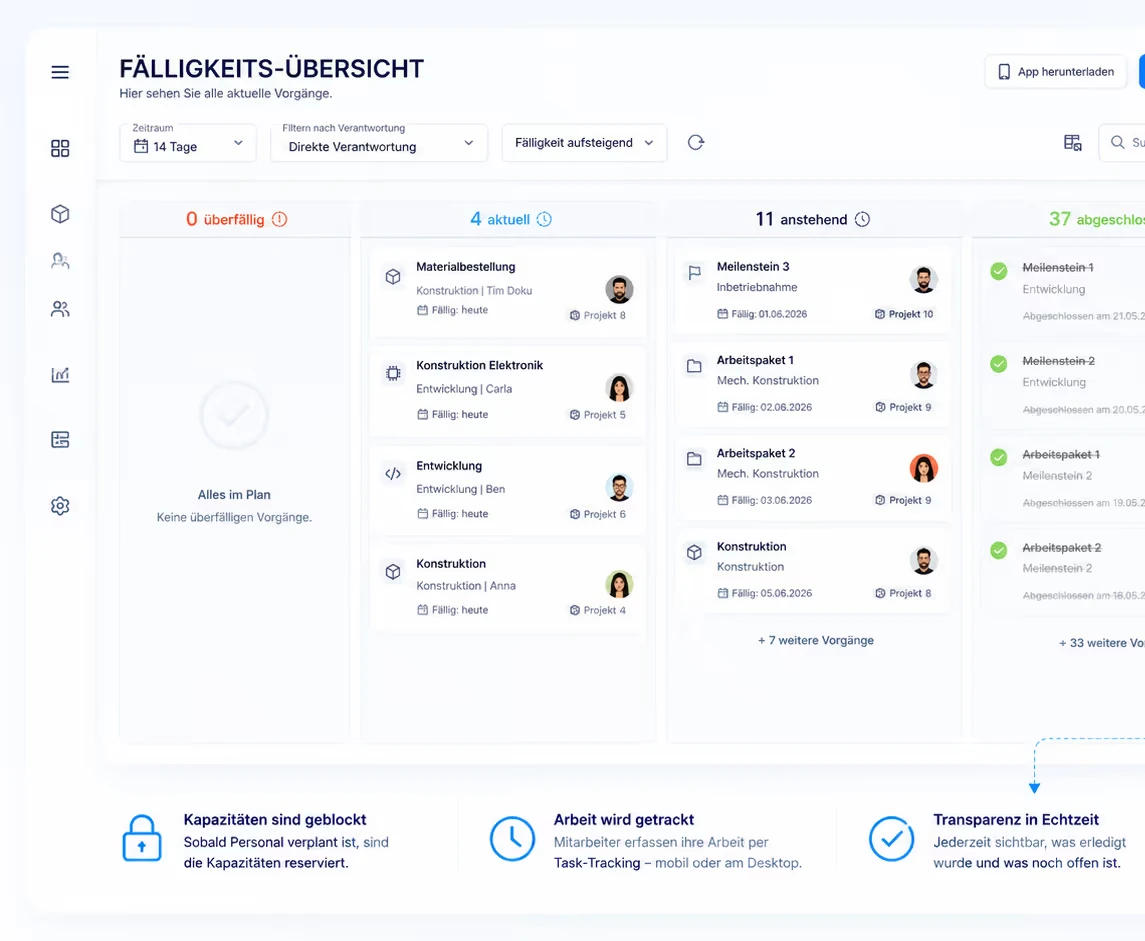
Linetrack is the shared planning system your tasks and deadlines as a design engineer live in – not a time-tracking tool that logs your hours, and not a replacement for CAD or PLM. You see your own tasks with due dates, report progress directly on them, and your availability automatically feeds your department's capacity view. Planning and reporting both happen on the desktop, in the same data your project lead and department head see.
Day to day
What Actually Changes for You
Four concrete things change for you as a design engineer once tasks, deadlines and capacity live in one system.
Your own tasks, with deadlines, in one place
Your tasks sit with their deadline and planned effort in one place – not split between a private list and the project lead's separate schedule.


Progress reported on the task, not in a status meeting
You report status directly on your own task, at the desktop, with no detour through email or a status round. The project status is built from that update.
Your department's workload, visible before it gets tight
Your availability feeds directly into your department's capacity view. Overload becomes visible before a deadline slips – not only after.
Changes elsewhere reach you automatically
If a deadline shifts on another project drawing on the same department, it shows up against your own tasks automatically – visible in the plan, not as a surprise in the next meeting.
Honestly scoped
Where Linetrack Stops, For You
These limits aren't a compromise, they're the shape of the product. Three things Linetrack deliberately does not do for you as a design engineer:
What Linetrack does for you instead – deadlines and capacity in one shared data set – is described on the scheduling and capacity planning page.
Behind the scenes
How Your Availability Becomes Department Capacity
Department capacity is built from individual employee availability, minus holidays, sick leave and current project work. What is a cross-project workload view for your department head is, for you as a design engineer, simply the slice made up of your own tasks and deadlines: what's assigned to you counts toward your department's capacity.
This view isn't a monitoring tool, it's what your department uses to decide whether a new deadline is realistic in the first place – you see your own workload in it, not a judgement on your working hours. How schedules and capacity come together in one data set, and which role sees which view, is described on the scheduling and capacity planning page.
FAQ
Frequently Asked Questions
Still have questions?
Book a slot with our team.
Does Linetrack track my working time?
Does Linetrack track my working time?
Does Linetrack replace our CAD or PLM system?
Does Linetrack replace our CAD or PLM system?
How do I report progress on my tasks?
How do I report progress on my tasks?
Can I see other departments' workload too?
Can I see other departments' workload too?
Do I use Linetrack on desktop or on mobile?
Do I use Linetrack on desktop or on mobile?
Do I have to maintain my own capacity myself?
Do I have to maintain my own capacity myself?
Learn more
Linetrack in detail
The modules behind your slice of the plan: