Comparisons
Linetrack head-to-head
with the planning tool you use today

In short
Linetrack comparisons come on two levels. The software comparison splits the market into five categories: Excel and home-grown solutions, classic project planning software, agile PM tools, ERP project modules, and APS and detailed scheduling systems. Ten head-to-head comparisons go into detail: eight against a specific tool, two against the ERP project module and the detailed scheduling system. If you plan in Excel, you run into the file with exactly one owner. If you plan in Microsoft Project or Primavera P6, you have solid scheduling logic, but a plan with one author or a dedicated planning role. If you use Trello, Asana, Monday.com, Stackfield or Microsoft To Do, the team works on tasks together; scheduling and capacity planning across several projects are missing there or depend on the pricing tier. If your hours live in an ERP project module or a detailed scheduling system, you have costing or loading, but no dates across projects and departments. The question is the same in every case: is the plan maintained jointly, and does it still carry the scheduling logic across all projects?



















91 %
named Excel and tool sprawl
as their starting problem
56 %
had a live interface running
within the first six months
1512+
industrial projects
managed in parallel
4000+
completed
industrial projects
Every figure on this page comes from a full survey of all live Linetrack implementations, as of August 2026. Multiple answers were possible for the starting problems.
Where to start
Which comparison applies to you?
What matters is where the binding schedule sits today. The head-to-head comparisons are sorted by tool class, because tools in the same class reach their limit at the same point. Each card names that limit in a single sentence, plus the case in which your current tool remains the right choice.
At a glance
What each tool class covers
The five categories from the software comparison, set against fifteen requirements from everyday project work. This is a rough classification. Tools within a class differ, and with agile tools often by pricing tier alone; those cells show a ~, and the head-to-head comparison has the details.
For a specific tool, the head-to-head comparison is more precise than any row in this table.
Core argument
Maintained jointly and sound in its scheduling logic
Ten head-to-head comparisons, one dividing line. Each of these systems does something better than Linetrack: Excel calculates more freely, Microsoft Project and Primavera P6 go deeper methodologically, Trello or Asana are quicker to set up, the ERP handles the costing.
The real question: is the plan maintained jointly, and does it still carry the scheduling logic across all projects? Excel does neither, classic planners only the second, agile tools only the first.
The test: who enters, on a Friday afternoon, that assembly will start two weeks later? If there is no paid planning role for that, only the department itself keeps the plan current.
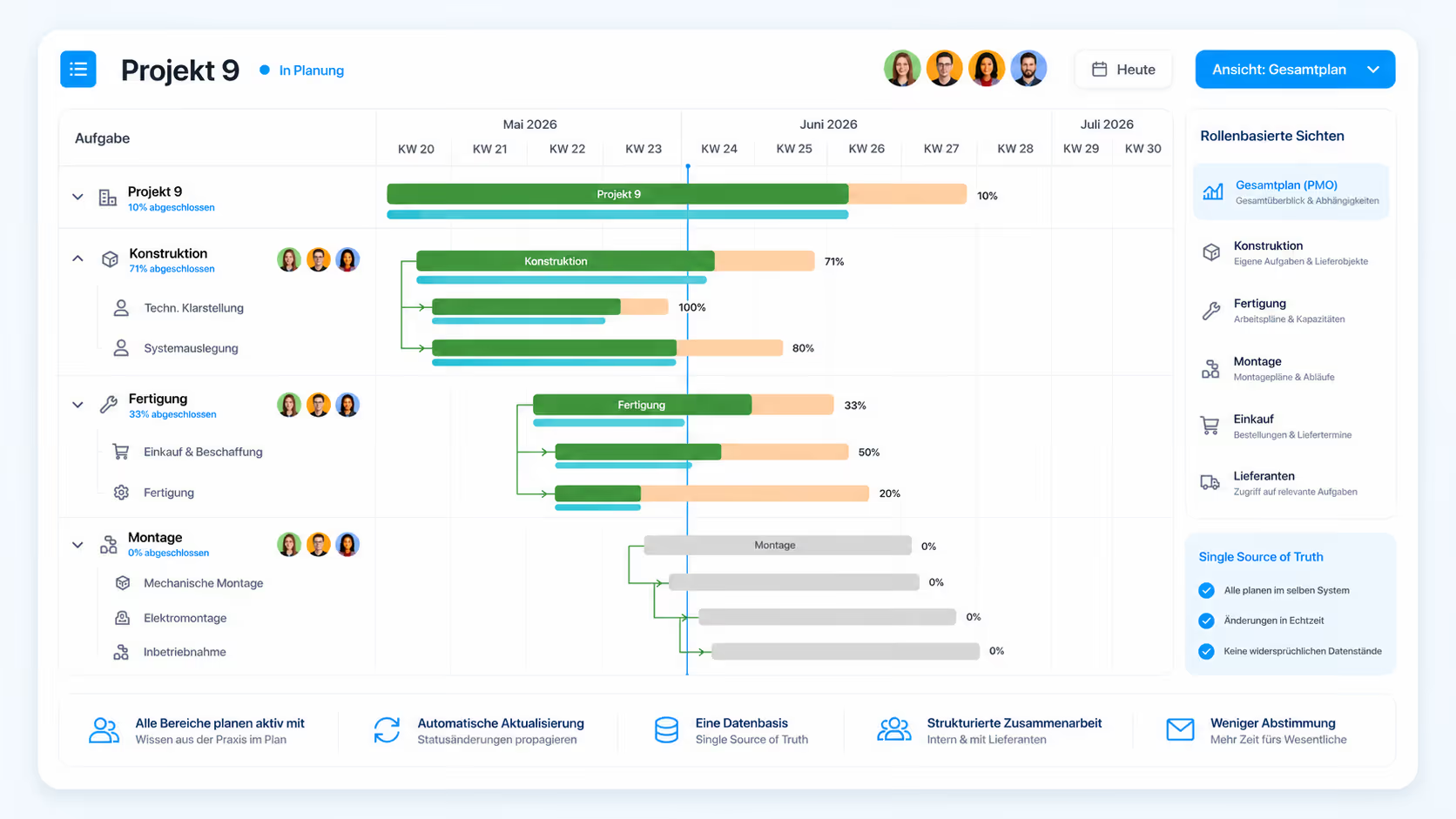
That is what Linetrack is built for: roles and rights per area of responsibility, all projects on one data foundation, the capacity histogram directly below the bar chart. More under collaborative project management.

Honest boundaries
When switching is not worth it
These cases come from the head-to-head comparisons, where each is stated without a counter-argument. They hold regardless of which tool is in use today:
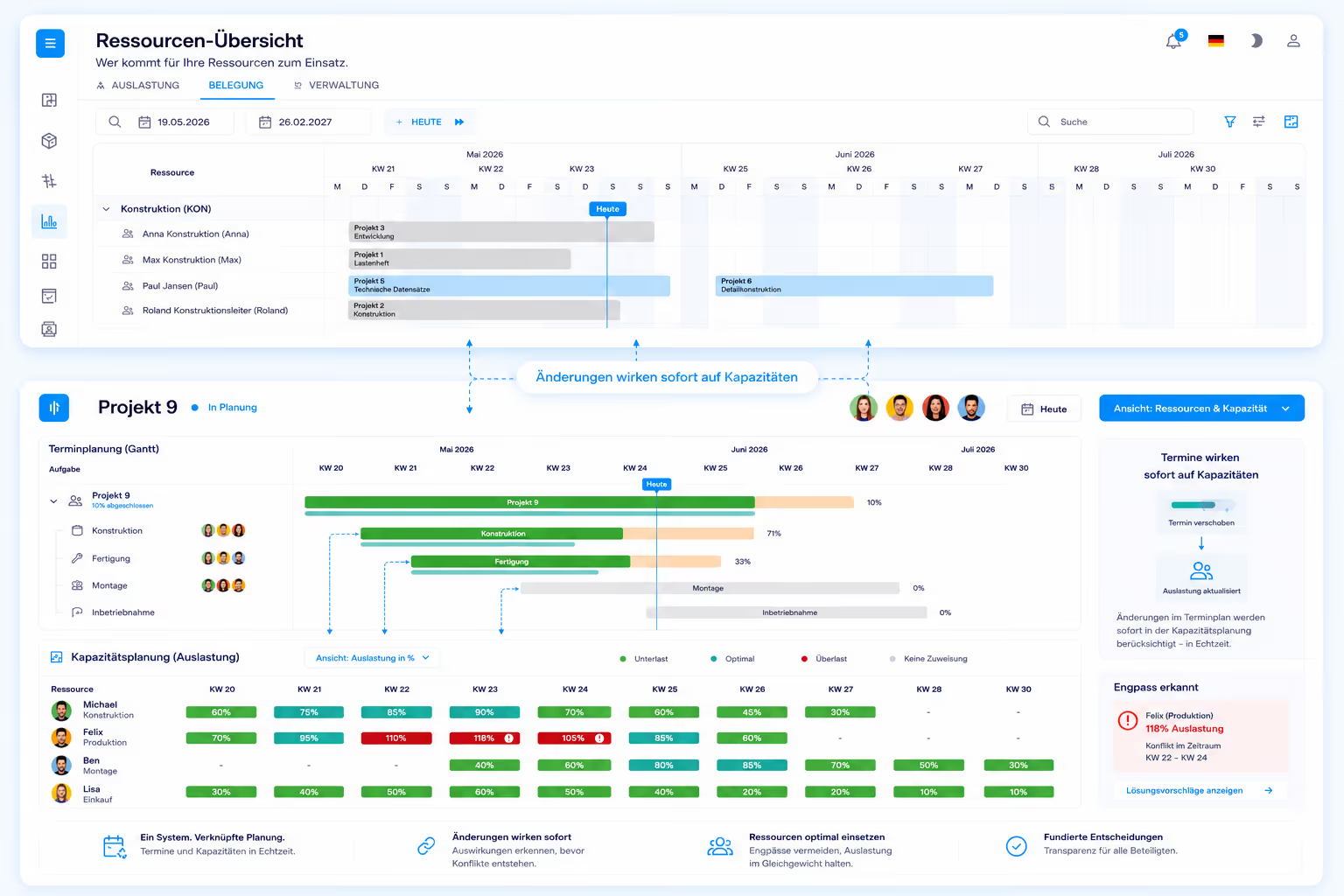
There is also a division of labour that stays in place: for ad-hoc calculations, data preparation and free-form what-if analysis, Excel is faster than any planning system – including in companies that plan with Linetrack. Switching only pays off once several departments have to maintain the same plan, or several projects compete for the same people. From that point the question moves from visualization to organization – and therefore to multi-project management.
Method
How we compare
This page is a vendor comparison. It is written by Linetrack, and Linetrack is one of the parties being compared. That belongs at the top, not in a footnote.
The Linetrack figures come from a full survey of all live Linetrack implementations, as of August 2026. Multiple answers were possible for the starting problems. It is neither a sample nor a market study, and shares are deliberately given as percentages.
The statements about Excel, Microsoft Project, Primavera P6, Trello, Asana, Monday.com, Stackfield and Microsoft To Do describe the products as their vendors publicly document them. ERP project modules and detailed scheduling systems are compared as a category, without naming individual vendors; where user reports are drawn on, the head-to-head comparison says so. They are not measurements and not a benchmark: nothing was run against anything else and no times were taken. The tool class table is a rough classification, not a score.
Where another tool can do more, this page and the individual comparisons say so explicitly – the critical path being the clearest example. No separate figures exist for replaced Primavera installations, which is why none appear here. What cannot be substantiated is better settled in a first conversation than in a chart.
Switching over
Moving off the tool you use today
The import is a finished standard function and part of the product: schedules from Microsoft Project and Primavera, project and task lists from Excel and master data from SAP are read in instead of being retyped. No separate interface development is needed – which means the existing planning is not an argument against switching.
The qualification belongs with it: this is a data migration, not an ongoing sync between two systems. What Linetrack keeps permanently in sync is ERP, time-tracking and HR data; which systems those are in detail is set out in the interfaces and integrations overview.
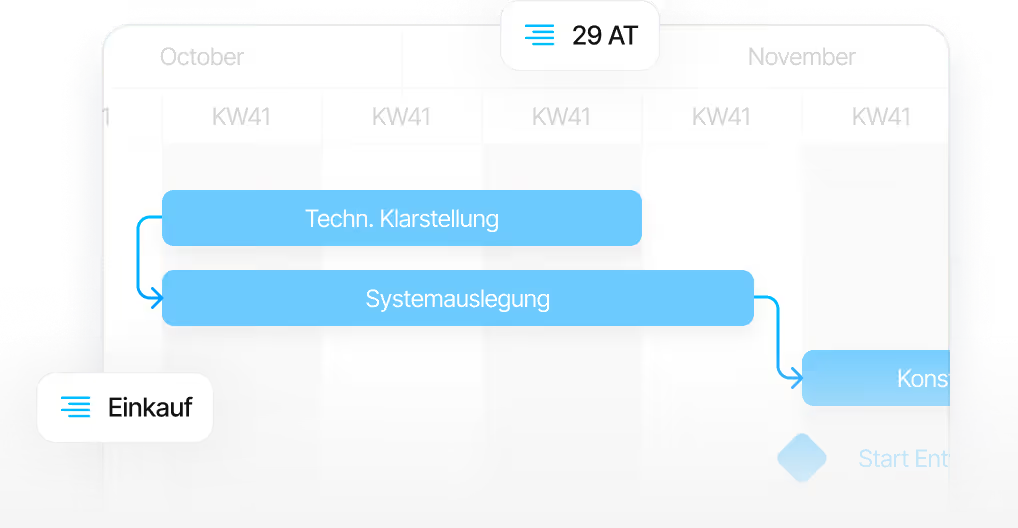
What matters afterwards is not the import but the first plan of your own. It takes ten working days from kick-off to go-live, regardless of company size. The phased process behind it is described on the implementation page.
FAQ
Frequently asked questions
Still have questions?
Book a meeting with our team.
Which comparison is the right one for us?
Which comparison is the right one for us?
We plan with two tools at once – what does the switch look like then?
We plan with two tools at once – what does the switch look like then?
What does Linetrack cost – regardless of what we plan with today?
What does Linetrack cost – regardless of what we plan with today?
What does Linetrack explicitly not do?
What does Linetrack explicitly not do?
Can we keep running Linetrack alongside Microsoft Project, Primavera or Excel?
Can we keep running Linetrack alongside Microsoft Project, Primavera or Excel?
Where do the figures in these comparisons come from?
Where do the figures in these comparisons come from?
Learn more
Linetrack in detail
The modules that carry the planning after the switch: