ERP connection
ERP Integration
with Linetrack

In short
An ERP integration keeps orders, project and order numbers, cost centres and master data in sync between your ERP system and Linetrack - the scope is agreed individually per project. Of Linetrack customers with a live connection, 39% have an ERP connection, usually for exactly these fields, so the project structure is not maintained twice.
Data exchange
What is exchanged between ERP systems and Linetrack
ERP systems are among the connections kept continuously in sync with Linetrack today.
The full list of every connected system is on the interfaces overview.
Challenge
Why master data gets maintained twice without an ERP connection
New employees, cost centres, and order and project numbers are created in the ERP system and, without a connection, have to be copied into the project system by hand. Every missed change creates a second version - and exactly the mistrust that clean planning is meant to remove.
This shows up directly in multi-project managementwhen orders and cost centres have to stay in sync across many projects at once.
The same logic applies to SAP as a widely used ERP system - see the SAP integrationpage for details.
When actual hours come back from the ERP system too, that automatically produces the planned-vs-actual comparisonwithout duplicate entry.
How the ERP project module and Linetrack split the work, costing there and scheduling here, is shown in the comparison Linetrack vs. ERP project module.
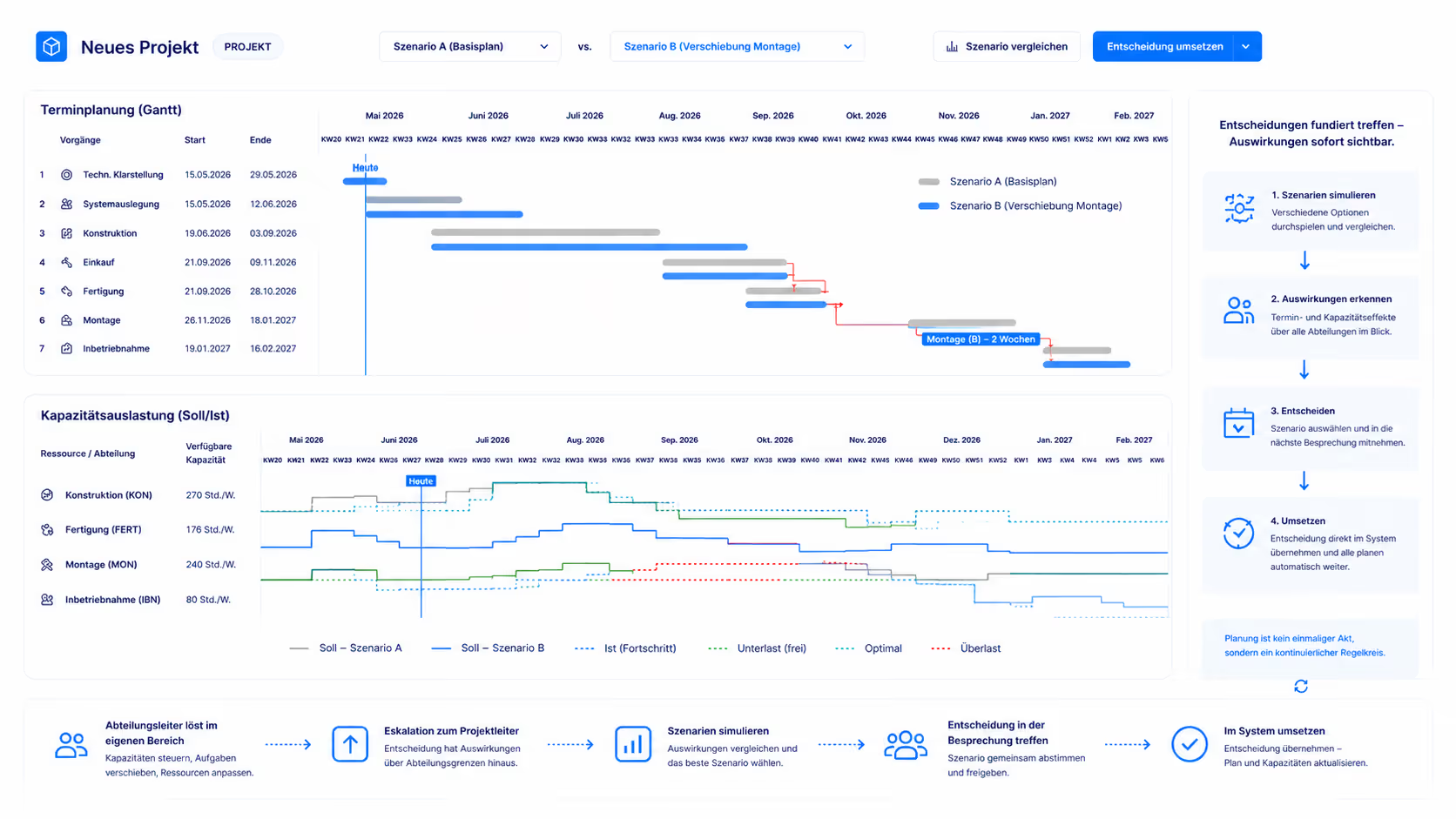
Effect on planning
One project structure instead of two

FAQ
Frequently asked questions
Still have questions?
Book a meeting with our team.
Which data does Linetrack exchange with ERP systems?
Which data does Linetrack exchange with ERP systems?
Is the ERP connection a standard interface, or is it custom-built?
Is the ERP connection a standard interface, or is it custom-built?
How many Linetrack customers have an ERP connection?
How many Linetrack customers have an ERP connection?
Is an ERP connection required to get started with Linetrack?
Is an ERP connection required to get started with Linetrack?
More integrations
Learn more
Linetrack in detail
The features that benefit from synced orders and master data: